Jump to a section
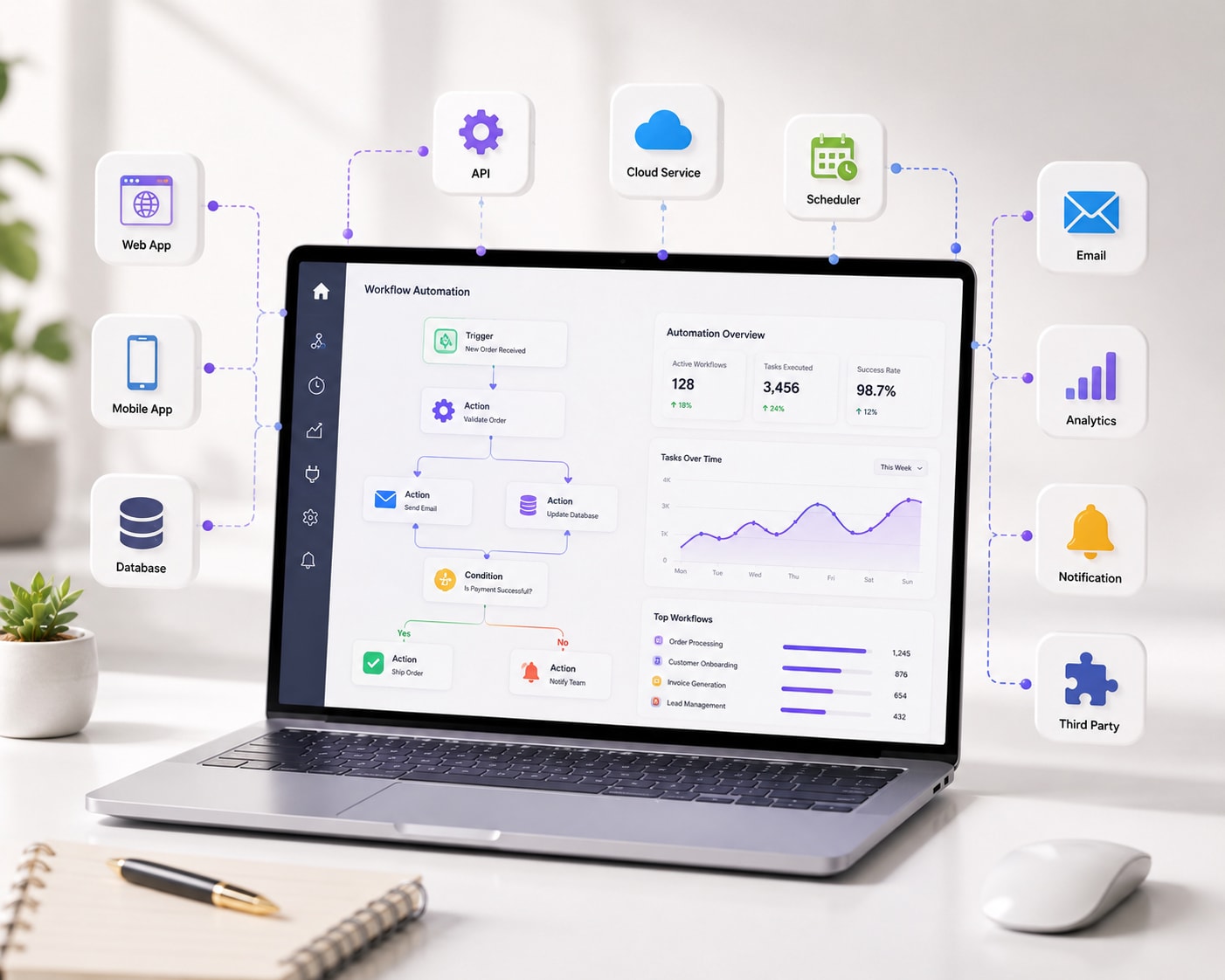
n8n is a node-based workflow automation tool that connects your apps, CRMs, and databases so data and tasks move between them without manual work. It can run in the cloud or be self-hosted, and it handles complex, multi-step logic that simpler automation tools struggle with.
Here is what n8n does well, where it fits alongside other automation tools, and what an n8n automation project costs.
What is n8n?
n8n represents a workflow as a chain of connected "nodes" — trigger nodes (a form submission, a new row, a scheduled time) that feed into action nodes (send a message, update a CRM, call an API). Because it is open source and can be self-hosted, it also suits businesses with data-residency or cost-at-scale concerns that pure SaaS automation tools do not solve as cleanly.
n8n vs. other automation tools
| Tool | Best for |
|---|---|
| n8n | Complex, multi-step logic; self-hosting; branching workflows |
| Zapier | Very fast setup for simple, single-trigger automations |
| Make (Integromat) | Visual, moderately complex workflows without code |
ASAN Innovators builds business automation with n8n, Make, and Zapier — choosing the simplest tool that reliably solves the workflow, rather than defaulting to one platform for everything.
Common n8n automation use cases
- Lead nurturing — sync new leads from a form or ad platform into your CRM with an automatic follow-up sequence.
- Invoice and document automation — generate, send, and file paperwork without manual entry.
- Multi-tool data sync — keep your CRM, spreadsheets, and email platform in sync automatically.
- Approval workflows — route a request through multiple steps and notify the right person at each stage.
- Reporting dashboards — pull numbers from several tools into one place on a schedule.
What does n8n automation cost to set up?
At ASAN Innovators, n8n automation projects start from ₹30,000 and typically take about a month, covering process mapping, the build itself, error monitoring, and a reporting dashboard. Most projects pay for themselves within the first month by removing 20 or more hours of manual work per week.
The right automation tool is whichever one solves your workflow reliably — not the one with the most marketing budget.
No-code n8n vs. a fully custom build
n8n handles most business workflows without custom code, including branching logic and conditional steps. For processes that are unusually complex, high-volume, or need logic no visual tool can express cleanly, a hybrid build — n8n plus custom Python and REST APIs — is often the more reliable option.
Getting started
To scope an n8n automation for your business, book a free consultation, or see how automation pairs with AI chatbots and AI/ML solutions for a fuller system.