Jump to a section
Business automation can save a team 20 or more hours a week by removing repetitive manual work — with zero manual errors. In 2026, setting up automation for a small or mid-sized business typically starts around ₹30,000, and it usually pays for itself within the first month.
Here is what to automate first, how much time it frees up, and how the setup works.
What should you automate first?
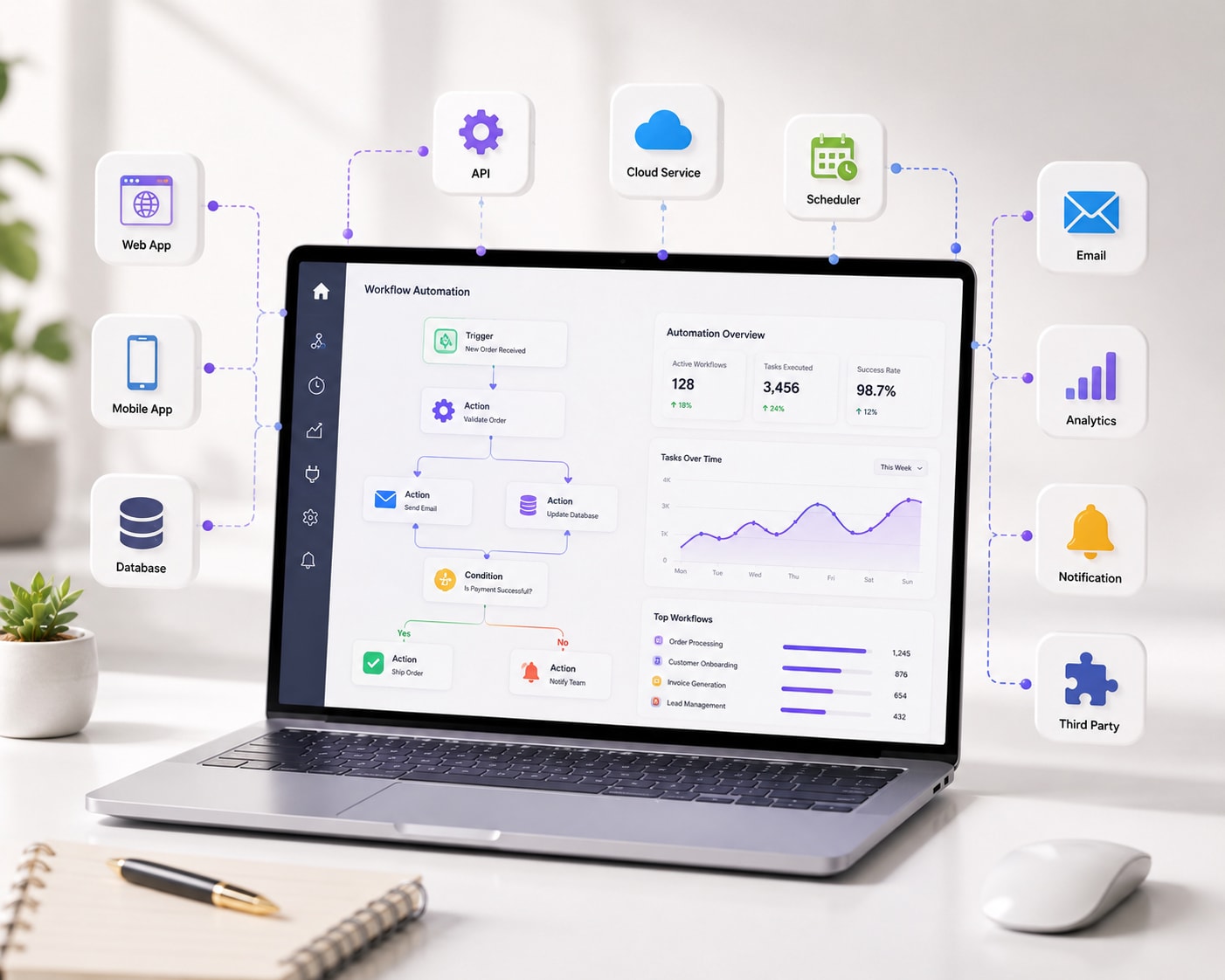
Start with the tasks that are repetitive, rule-based, and done often. The highest-impact automations for most businesses are:
- Lead nurturing — auto-responses, follow-ups, and CRM updates when a lead comes in.
- Invoice and document processing — generating, sending, and filing paperwork.
- Data entry between tools — moving information between your CRM, sheets, and email.
- Reporting — pulling numbers into a dashboard automatically instead of by hand.
- Email and CRM sequences — timed messages triggered by customer actions.
ASAN Innovators builds automation with n8n, Make, and Zapier, integrated directly with the CRM and ERP tools you already use.
How much time does automation save?
The savings compound. A five-minute task done 40 times a week is over three hours; automate a handful of those and you recover 20+ hours weekly. Just as important, automation removes the human errors that cause rework — a mistyped figure or a missed follow-up never happens again.
Every repetitive task you automate is time your team gets back for work that actually needs a human.
No-code vs. custom automation
No-code tools (Make, Zapier, n8n) handle most business workflows quickly and affordably. Custom automation with Python and APIs is worth it when a process is complex, high-volume, or needs logic the no-code tools cannot express. A good partner uses the simplest tool that solves the problem reliably.
How the setup works
- 1.Map the process — document each step of the workflow as it runs today.
- 2.Identify the steps worth automating and the tools involved.
- 3.Build the automation, with error monitoring so failures are caught, not silent.
- 4.Connect a reporting dashboard so you can see what is running.
- 5.Test, hand over, and refine as the business changes.
Next step
Automation projects start from ₹30,000 and take about a month. Talk to us about which workflows to automate first, or pair automation with chatbots for a fuller system.